终于不必再忍受百度网盘的限速了。
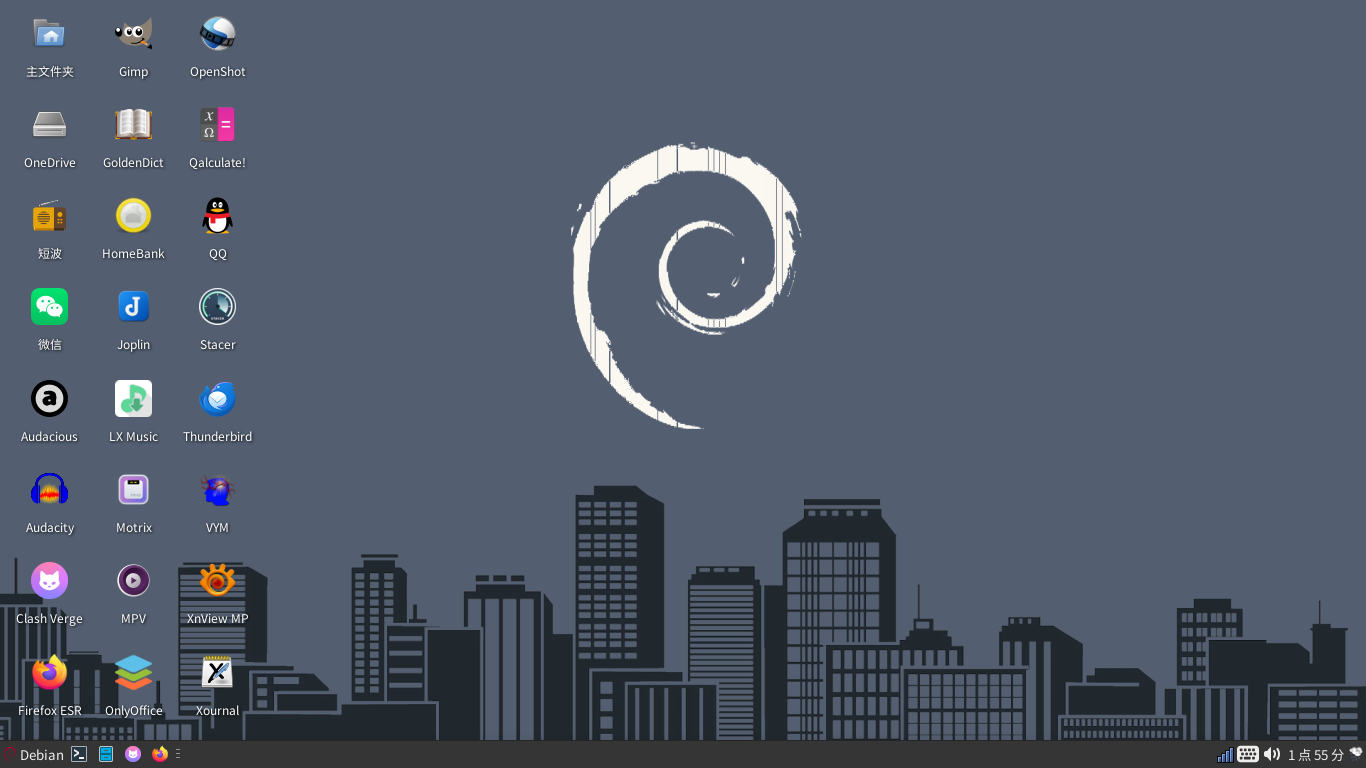
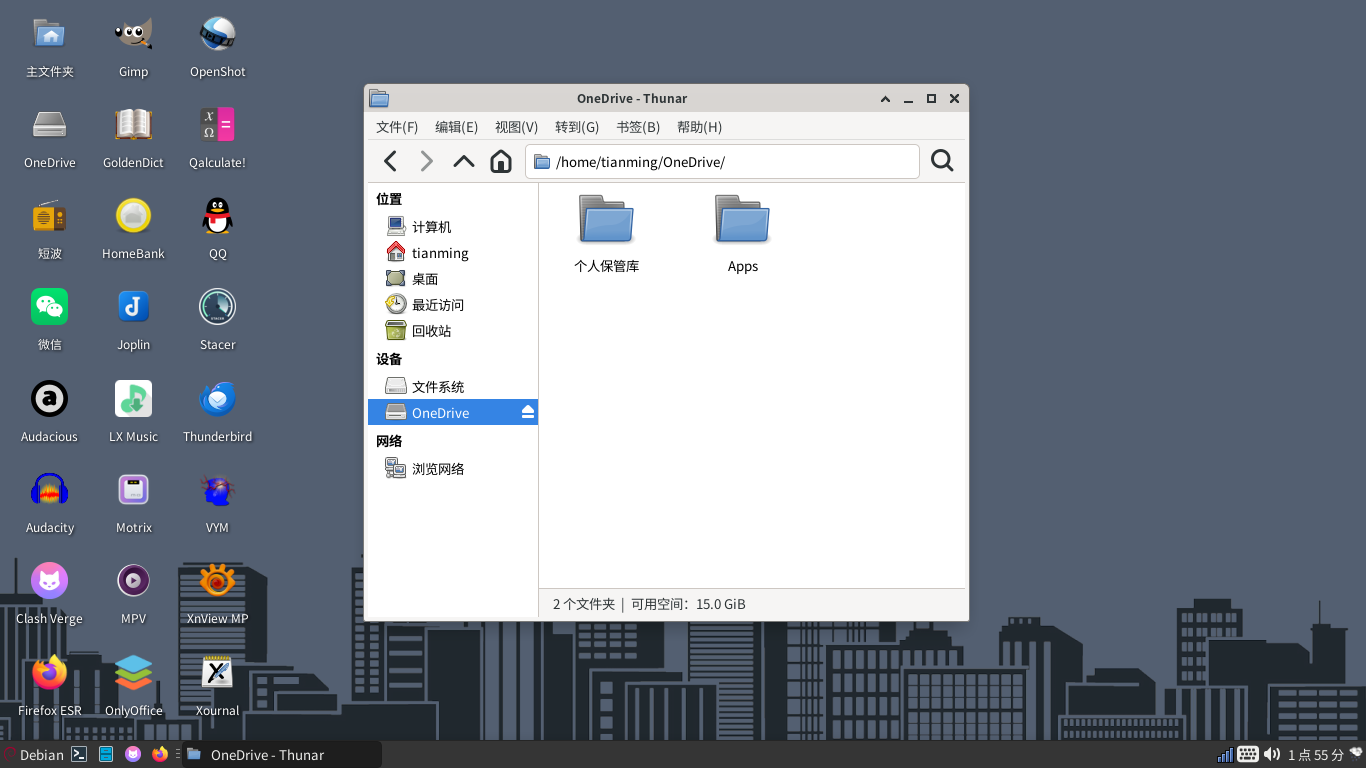
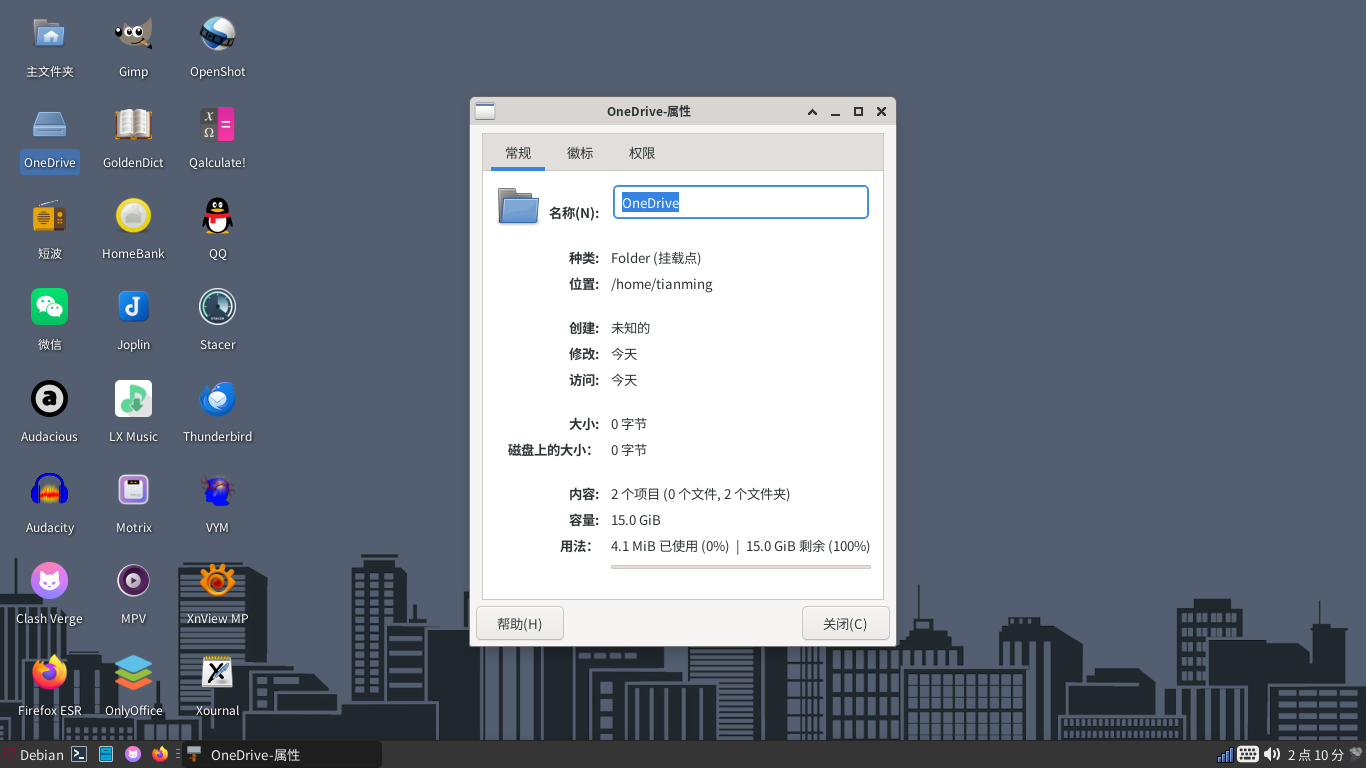
已经设置了开机自动挂载,使用onedrive网盘只需要进入/home/用户名/onedrive文件夹就行了,添加删除任何文件,都会自动同步到onedrive网盘。无需任何命令,也不需要安装任何软件。
1 安装 rclone sudo apt install rclone
2 运行 rclone config
3 添加 onedrive账户
4 挂载 rclone mount onedrive: ~/ OneDrive --deemon
5 创建服务文件 nano ~/.config/systemd/user/rclone-onedrive.service
[Unit]
Description=OneDrive Mount
After=network-online.target
[Service]
Type=notify
ExecStart=/usr/bin/rclone mount onedrive: %h/OneDrive
–vfs-cache-mode writes
–vfs-read-chunk-size 32M
–vfs-read-chunk-size-limit 2048M
–transfers 4
ExecStop=/bin/fusermount -u %h/OneDrive
Restart=always
[Install]
WantedBy=default.target
6 启用服务
systemctl --user daemon-reload
systemctl --user enable --now rclone-onedrive.service