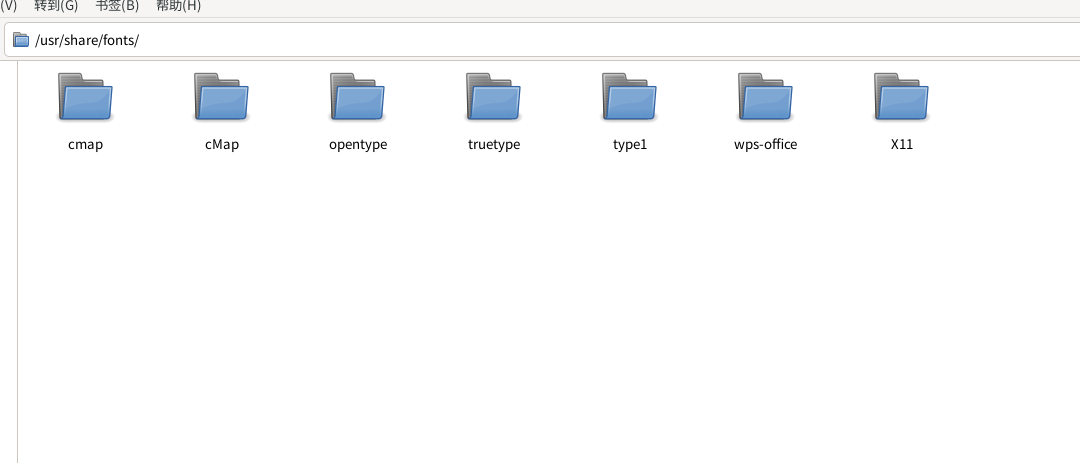
根据 Debian Wiki 以及 Arch Linux 中文 Wiki 上的介绍,正确的做法是将手动安装的字体放到 /usr/local/share/fonts 下。
Install a font manually by downloading the appropriate
.ttforotffiles and placing them into/usr/local/share/fonts(system-wide),~/.local/share/fonts(user-specific) or~/.fonts(user-specific). These files should have the permission644(-rw-r--r--), otherwise they may not be usable.
要为系统(所有用户)安装,则安装到
/usr/local/share/fonts/。
- 可能需要先创建该目录:
mkdir -p /usr/local/share/fonts。/usr/share/fonts/由包管理器管理,请勿手动修改。
如果想方便分组管理,可以在 /usr/local/share/fonts 下新建一个名为 Windows 的文件夹,再把从 Windows 中复制过来的字体都放进去即可。
另外,如果只是需要中文党政办公字体,可以从这里下载:
说句题外话,说复制文件时,一般是用 “拷” [“拷贝”(copy)的简称],而不是 “考”。
谢谢! ,
,
也可以安装星火应用商店
在这里面选择 Windows字体 微软核心字体 WPS缺省字体 这三个有必要安装一下 其它的可以根据你的喜好选择 比如adobe思源字体 林品如手写字体等等也很推荐。